
How to Set Up GoHighLevel for a Service Business: A Step-by-Step Guide
Quick answer: To set up GoHighLevel for a service business, work in this order: (1) map your real sales process, (2) build one pipeline that matches it, (3) connect a booking calendar, (4) add an instant lead auto-responder, (5) layer in multi-channel follow-up and lead scoring, (6) add AI qualification, then (7) connect reporting. Setting it up out of order is the most common reason GHL projects stall.
GoHighLevel is a bit like a very capable kitchen. It has every gadget you could want, and it will happily let you turn on all of them at once and burn the toast. The trick is not buying more features. It is knowing what dinner is before you start cooking.
Before you touch GoHighLevel: map your process
The biggest mistake is opening GHL and building workflows before you know what they should do. Spend an hour writing down:
- Where leads come from — website form, Google Ads, Meta Ads, WhatsApp, referrals, missed calls.
- The stages a lead moves through — e.g. New → Contacted → Qualified → Quote Sent → Won / Lost.
- What should happen automatically at each stage — which message goes out, who gets notified, what the follow-up cadence is.
- What "qualified" actually means for you — budget, timeline, location, job type.
GHL is only as good as the process you feed it. If the process is fuzzy, the automation will be too.
Step-by-step GoHighLevel setup
1. Create the account and connect your channels
Set up your sub-account, then connect: a dedicated phone number for SMS and calls, your business email domain (with SPF/DKIM so mail lands in the inbox), your WhatsApp number, and your Google / Meta ad accounts so lead-form leads flow straight in.
2. Build one pipeline that mirrors your sales process
Create a single Opportunities pipeline with the exact stages you wrote down. Resist the urge to build five pipelines on day one — one clean pipeline that everyone actually updates beats a complex structure nobody maintains.
3. Connect a booking calendar
Set up a calendar with your real availability, buffer times, and a confirmation + reminder sequence (SMS + email). This calendar becomes the destination for every automation — the goal of almost every workflow is "get a booked appointment".
4. Add the instant lead auto-responder
This is the highest-impact automation. When a lead comes in from any source, fire an immediate SMS and email within seconds: acknowledge them by name, reference the service they asked about, and give them a next step. Speed to lead is the single biggest lever on conversion — automating this first touch means you never miss the 5-minute window.
5. Layer in multi-channel follow-up and lead scoring
Build a follow-up sequence for leads that do not reply to the first message — spaced touches across SMS, email, and WhatsApp over 7–14 days. Add lead scoring so high-intent leads (replied, opened, clicked, booked) get flagged and routed to a human immediately.
6. Add AI qualification
Connect a GHL AI chat or voice agent to handle the back-and-forth: asking your qualifying questions, answering common objections, and booking the call. This is what lets you respond in minutes at 9pm on a Sunday without anyone on shift.
7. Connect reporting
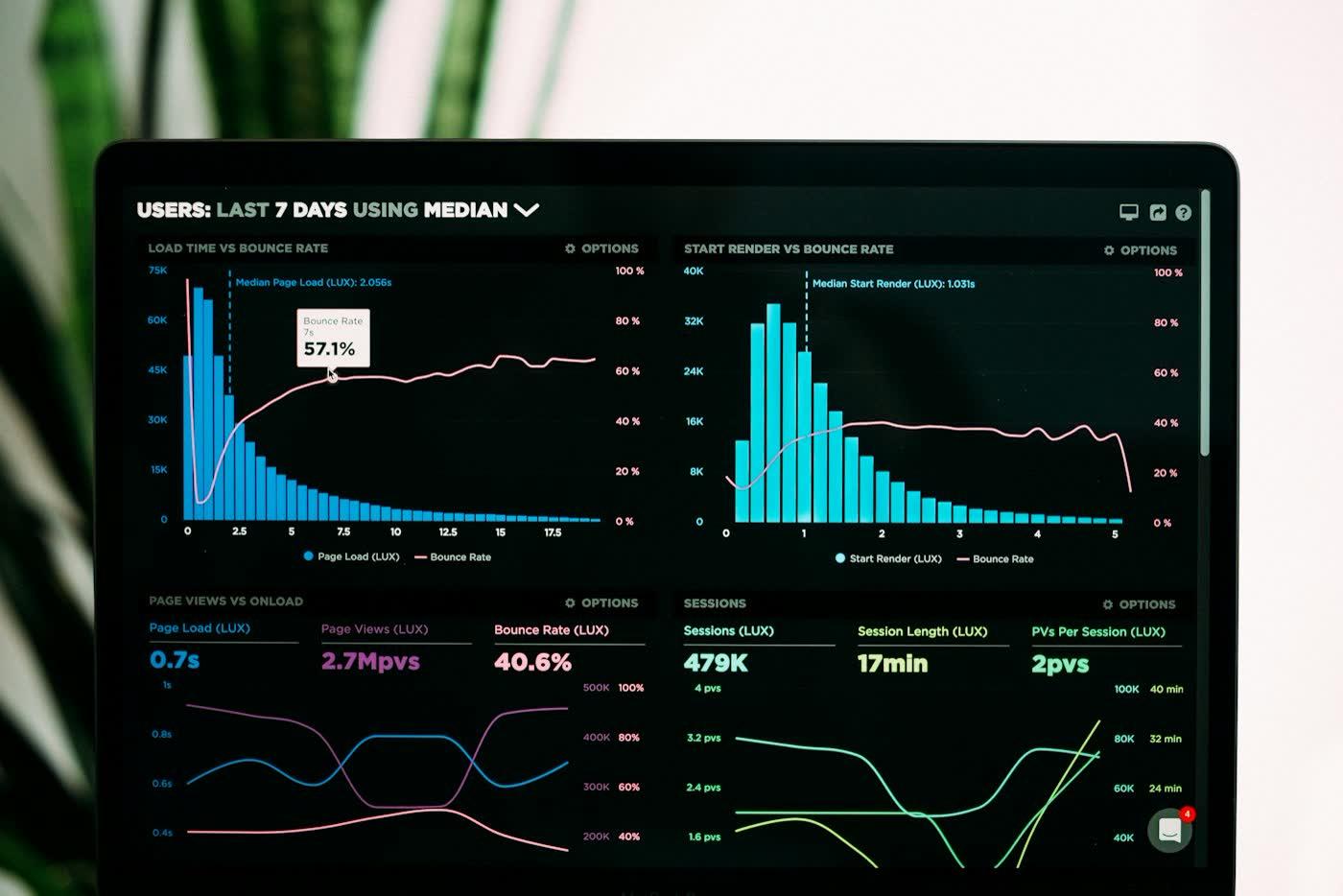
Set up a dashboard that shows lead volume by source, speed-to-lead time, pipeline conversion rate by stage, and cost per booked appointment. If you cannot see where leads stall, you cannot fix it.
Why the ROI is usually strong
Businesses generate an average of $5.44 for every $1 spent on marketing automation, and 76% see positive ROI within the first year (SEOProfy). Automated follow-up emails alone generate 320% more revenue than one-off sends (SQ Magazine). Most of that gain comes from two things GHL does well: answering leads faster and following up consistently.
Should you build it yourself or get it built?
If you have the time and enjoy the tooling, GHL is learnable. If your bottleneck is revenue and you want it working in weeks rather than months, a done-for-you GoHighLevel setup — built around your process, stress-tested against real scenarios before launch — is usually the faster path. Either way, follow the order above.
What a first month of GoHighLevel should look like
A calm rollout beats a heroic one. Here is a realistic plan:
| Week | Focus | You should end the week with |
|---|---|---|
| 1 | Map the process, set up the account and connect channels | A written pipeline, a phone number, email and calendar connected |
| 2 | Build the pipeline and the instant auto-reply | New leads appear in the right stage and get a reply in seconds |
| 3 | Add follow-up sequences and reminders | Leads who go quiet get consistent, friendly nudges |
| 4 | Add reporting, then test everything with fake leads | A dashboard you trust, and a list of fixes |
Test with at least a dozen fake leads, including awkward ones: wrong phone number, reply at midnight, "stop" messages and duplicate enquiries.
Mistakes people make with GoHighLevel
- Building before mapping. The tool will faithfully automate a confusing process.
- Too many pipelines and tags. Complexity looks impressive and works badly.
- Ignoring consent and deliverability. Set up your sending domain correctly and respect opt-outs, or your messages never arrive.
- Messages that sound like a robot wrote them. Read every automated message out loud.
- No owner. Someone on the team must check the dashboard weekly.
- Skipping the test phase and discovering bugs through real customers.
Build it yourself or hire someone?
| Do it yourself if | Get help if |
|---|---|
| You enjoy tools and have a few spare hours a week | Leads are costing you money every day and you want it done properly |
| Your process is simple and one person owns it | You have several lead sources, channels and team members |
| You can test patiently | You want it stress-tested before it touches real customers |
Either way, follow the order above. If you want help, our GoHighLevel setup service builds around your real process, and our CRM setup and email marketing work plug into the same system.
Key takeaways
- Map your sales process first. GHL automates whatever process you give it, good or bad.
- One pipeline, not five. Clean and maintained beats complex and ignored.
- The lead auto-responder is the highest-ROI automation — build it early.
- AI qualification is what makes 24/7 response realistic without extra staff.
- Instrument it. Track speed-to-lead, stage conversion, and cost per booked call from day one.
Want GoHighLevel set up around your exact sales process? Book a free 15-minute system audit — we'll map your lead flow and show you what a full build would involve.
Related reading: Speed to lead: why answering in 5 minutes wins 8x more deals · 7 places service businesses lose leads
See also: ADbuddy Systems.
Related services
- GoHighLevel Setup Service — CRM, follow-up and booking in one system, set up properly
- CRM Setup: HubSpot & Zoho — One place to track every lead, deal and follow-up
- Email Marketing & Deliverability — Sequences that reach the inbox and bring leads back
- See all ADbuddy services
POST
FAQ.
Common questions related to this article.