
Motion Graphics in Advertising: Why Moving Ads Get Noticed
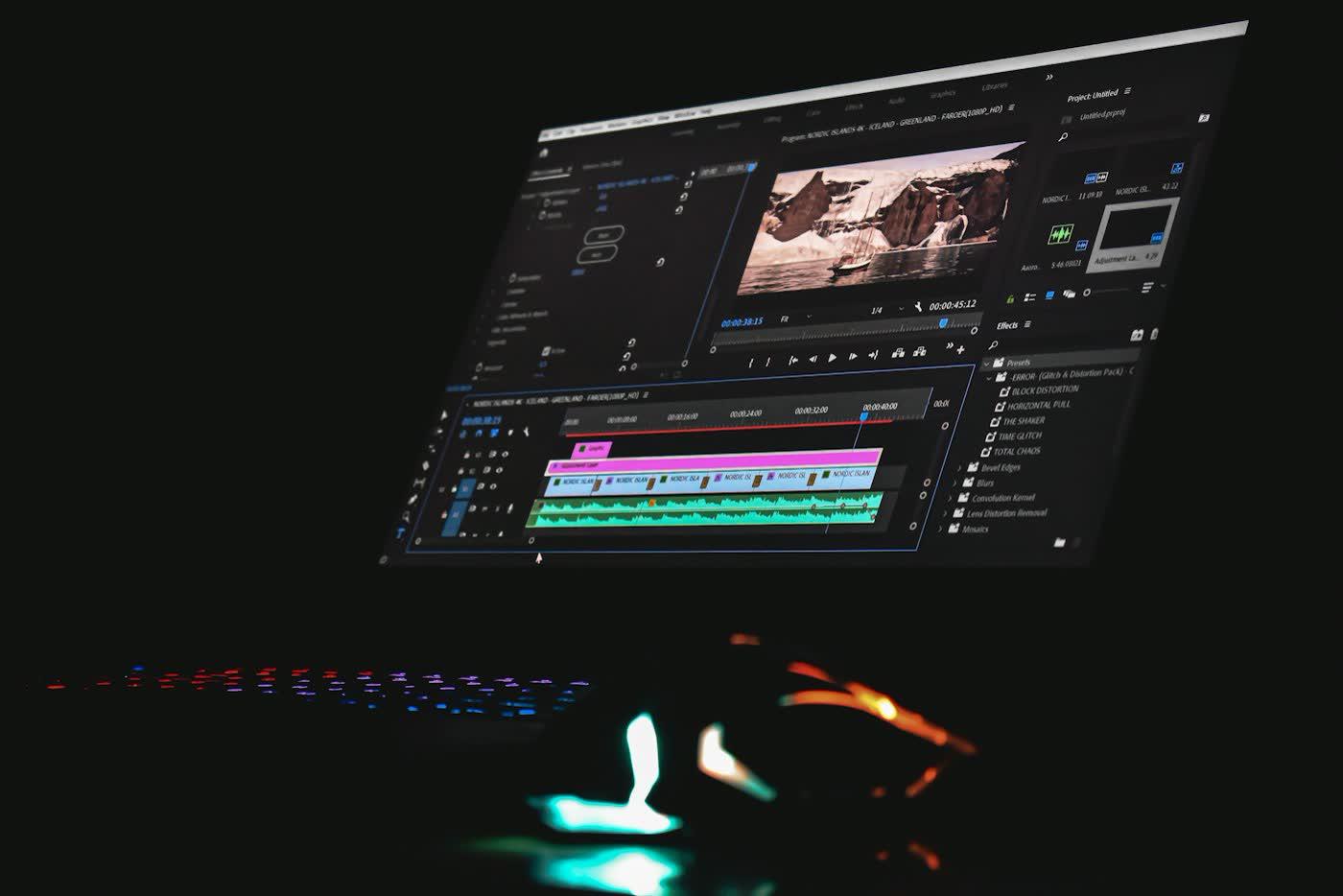
Motion graphics get noticed because movement catches the eye in a feed where everything else sits still. Your thumb is scrolling at speed, a thing moves, your brain goes "wait, what was that?" That tiny pause is what advertisers fight for. Animated text, shapes and icons can also explain an idea in a few seconds, which makes motion graphics one of the most useful tools in modern advertising.
What are motion graphics, and how are they different from video?
Video is filmed with a camera. Motion graphics are designed and animated: moving type, logos, charts, icons and illustrations. Many ads combine both, filmed footage with animated text and branding on top.
Motion graphics shine when you need to:
- Explain a service or process that is hard to film ("how our system works").
- Show prices, steps or data clearly.
- Animate a logo or brand intro.
- Turn one idea into short clips for several platforms.
When should you use motion instead of a still image?
| Situation | Better choice |
|---|---|
| Busy social feed, you need to stop the scroll | Motion |
| Explaining how something works | Motion |
| One simple offer with one price | A static ad can be enough |
| The product photo is the star | Static, or short video |
| Same message on many placements | Motion, resized for each |
The honest answer is to test it. Run a motion version and a static version to the same audience and compare enquiries, not just views. Views are flattering. Enquiries pay the bills.
How is a good motion graphics ad built?
- Hook in the first seconds. Lead with the problem, a question or a bold visual. Not your logo. Nobody scrolls to see a logo.
- One message. A short ad that tries to say three things says none of them.
- Readable text. Lots of people watch with the sound off. Use big, high-contrast captions and keep each line on screen long enough to read it twice.
- A clear rhythm. Smooth, purposeful movement. Animation for its own sake is just visual noise.
- Consistent branding. Your colors, fonts and logo should make the ad recognizable even without the name.
- A single call to action at the end: book, visit, call or click.
- The right sizes. Export versions for vertical (stories and reels), square and wide placements.
What goes in the brief?
A good brief saves rounds of revisions (and your sanity). Give your designer:
- The goal: leads, bookings or awareness.
- The audience and where they will see it.
- The one message and the call to action.
- Brand assets: logo, colors, fonts.
- Any required text, prices and legal lines.
- Examples of ads you like, and ones you really do not.
Our video ad production team starts every project this way, and we pair clips with matching ad creative design, so your still and moving ads look like one campaign instead of two cousins who have never met.
What does the process look like?
A typical project runs in clear stages:
- Brief and goal: agree the message, audience and where the ad will run.
- Script: write the short script and the on-screen text. Read it aloud to check timing.
- Storyboard and style: sketch the main frames, choose colors, fonts and motion style.
- Design and animation: build the scenes, add movement and sound.
- Review: you check the draft, give consolidated feedback and approve.
- Delivery: exports in every size you need, plus source files if required.
One round of feedback per stage keeps the project fast and the cost sensible.
Common mistakes (and how to dodge them)
- Too much going on. Ten things moving at once makes the message impossible to follow.
- Tiny text. Small captions that flash by are unreadable on a phone.
- A slow start. A long logo animation at the beginning loses people before the point.
- Ignoring sound. Add sound for people who have it on, but make sure the ad works without it.
- One size for everything. A wide clip cropped for a vertical feed often loses the message.
- No call to action. A beautiful ad that asks for nothing gets nothing.
One clip, many uses
A single well-made ad can become a lot of assets:
- A vertical cut for stories and reels.
- A square cut for the feed.
- A short loop for your website header.
- Still frames for static ads and thumbnails.
- A six-second version for retargeting.
Plan these versions in the brief, so the animation is built with them in mind. Your social media and digital advertising teams can then run them as one coordinated campaign.
Where do motion graphics work best?
Explainers, product launches, offers and events, recruitment and brand intros. They also work nicely on digital screens, for example in a waiting room, where a short silent loop with clear captions catches attention. That is exactly why we use them for salon screen advertising in Surat.
How do you know it worked?
- View-through rate: how many people watch past the first few seconds.
- Click-through rate and enquiries, which show whether it moved people to act.
- Cost per enquiry compared with your static ads.
Use the results to decide what to make next, and put the winning clip on your website and in your regular content too.
Myths about animated ads
"Animation is expensive." A simple, well-planned 10-second clip can cost far less than a filmed shoot, and one design can be reused for months. Cost grows with complexity, so keep the idea simple.
"It has to be long to explain things." The opposite. Short ads force you to pick the one message that matters, and that is usually better marketing anyway.
"Fancy effects impress people." Clear messages impress people. Effects should serve the message, not compete with it.
"We can add sound later." Plan for sound-off from day one. Sound is a bonus, never the rescue.
A mini example: the plumber
Say a plumbing company wants more emergency call-outs. A static ad would show a van and a phone number. A motion graphics version could run like this, in about 8 seconds:
- Seconds 0–2: a dripping tap animates in, with text: "Burst pipe at 2 AM?"
- Seconds 2–5: the drip turns into a "24/7" badge, with "We arrive in under 60 minutes" (only if that is true!).
- Seconds 5–8: a big phone number and a button, "Call now".
It says one thing, it is readable without sound, and it ends with one action. You can export a vertical version for stories, a square one for the feed and use the same elements on a van wrap or a leaflet.
How do you brief it in plain words?
If a formal brief feels like homework, answer these in one message:
- "I want people to ______ (call, book, visit)."
- "The people I want to reach are ______."
- "The one thing they should remember is ______."
- "It will run on ______ (Instagram, YouTube, screens, website)."
- "Our colors and logo are attached. Things we love: ______. Things we hate: ______."
That alone gives a designer 80% of what they need.
Key takeaways
- Movement stands out in a still feed, but test it against static.
- One message, a strong first few seconds, readable captions.
- Design for sound-off viewing and for every placement size.
- A short, clear brief makes the result better and faster.
Related services
- Video Ad Production — Short branded video and motion graphics for ads
- Ad Creative Design — Ad sets designed for every placement and size
- Social Media Post Design — Consistent, scroll-stopping post templates
- See all ADbuddy services
POST
FAQ.
Common questions related to this article.