
Why Modern Frameworks Like Next.js Matter for Your Business Website
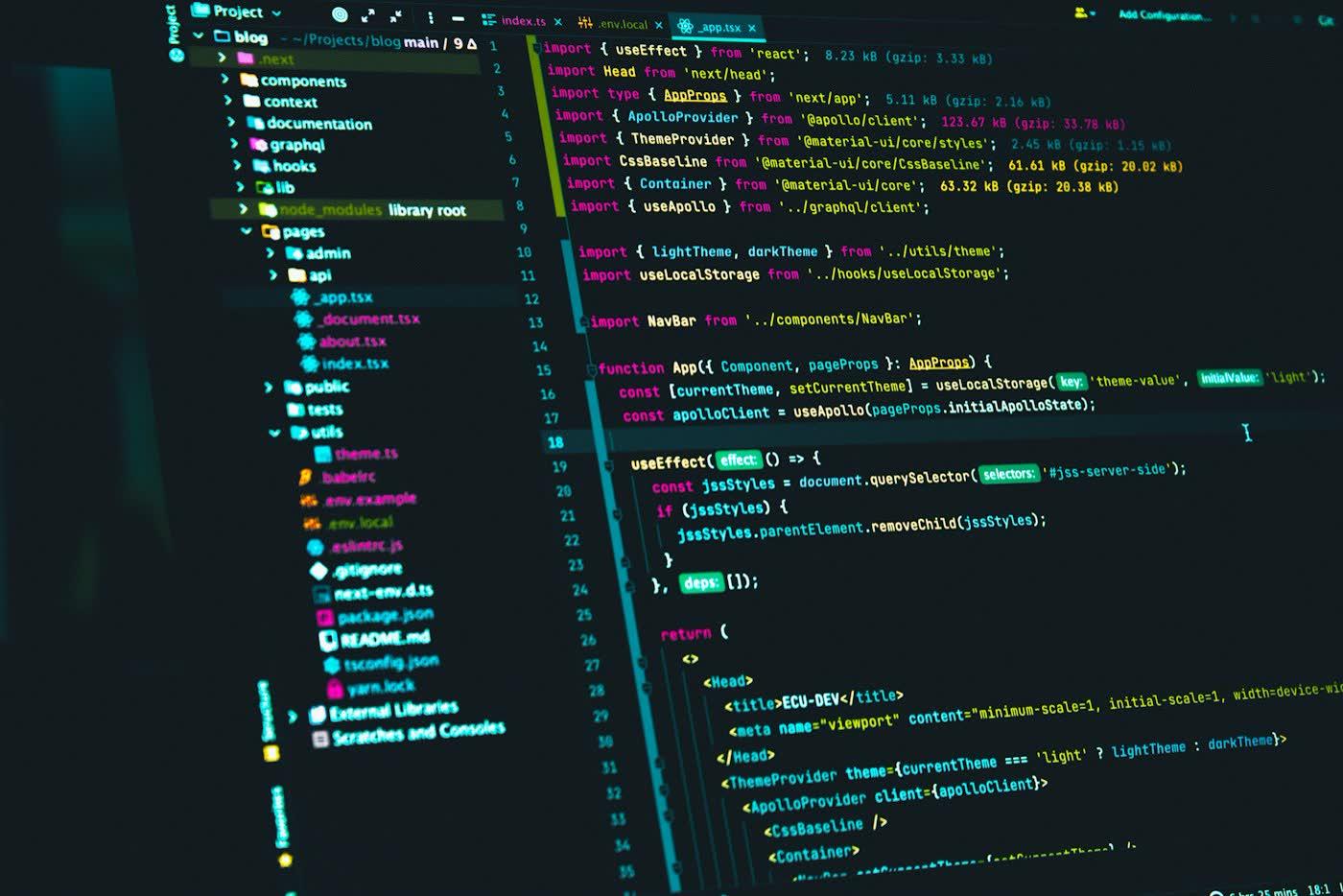
A modern framework like Next.js matters to a business because it makes it easier to build a fast, search-friendly site that you can keep improving. You do not need to understand the code. You just need to know what it changes for speed, SEO, upkeep and cost. Think of it as the difference between a house built with a good frame and one held together with sticky tape. Both look fine on photo day.
React and Next.js in plain words
- React is a widely used library for building the interactive parts of a website: menus, forms, calculators, anything that reacts when you click.
- Next.js is a framework built on React. It adds what a real business site needs: page routing, image handling, speed tools and server-side rendering.
Server-side rendering sounds scary and is not. It means the server prepares the page's content before sending it. So the visitor, and Google's crawler, receive real content straight away instead of waiting for scripts to build it in the browser.
What does it change for your business?
| Area | What a modern framework can give you |
|---|---|
| Speed | Pages that load quickly through optimized images, code splitting and caching |
| SEO | Content search engines can read immediately, with full control over titles, descriptions and structured data |
| Flexibility | Custom features like calculators, booking flows and dashboards |
| Maintenance | One codebase developers can extend, instead of a tower of plugins |
| Security | Fewer plugins to patch than a typical plugin-heavy site |
A framework gives good developers better tools. It does not make a bad site good. A great hammer does not build a great house on its own.
Custom framework, WordPress or Shopify?
There is no single right answer. Match the choice to your content, team and budget.
| Choice | Strengths | Watch out for |
|---|---|---|
| WordPress or Shopify | Quick to launch, easy content editing, huge ecosystem | Plugin bloat, speed depends heavily on setup |
| Custom Next.js | Fast, flexible, tight control over structure and SEO | Needs developers for changes unless a CMS is added |
| Headless setup | Your team edits in a friendly tool while the site runs on a framework | More moving parts to manage |
Choose a custom framework when:
- You need features that templates and plugins do not handle well.
- Speed is critical because you pay for traffic.
- You expect the site to grow with new sections, languages or tools.
- You want full control of how pages are structured for search.
Choose WordPress or Shopify when you mainly need to publish content or sell products quickly and the standard features are enough. A good agency will tell you which fits, instead of pushing the same stack on everyone. Our website design and development team builds on both.
What does a build look like?
- Plan: pages, features and goals, including which pages must rank in search.
- Design: layouts and a component library, so buttons, forms and sections stay consistent.
- Build: developers create pages and features, set up image handling and connect forms and tools.
- SEO and speed: titles, headings, sitemaps, redirects and Core Web Vitals checks happen before launch.
- Test: on real phones, different browsers and slow connections.
- Launch and monitor: go live, watch errors and search performance, fix issues fast.
Doing SEO and speed during the build is far cheaper than repairing them afterwards. It is the difference between buying a smoke alarm when you build the house, and buying one after the kitchen fire.
Seven questions to ask any web agency
- Who owns the code and hosting accounts? The answer should be you.
- How will you handle speed? Ask for target Core Web Vitals and how they are tested. See our guide to page speed and ROI.
- How will SEO be built in? Titles, headings, sitemaps, structured data and redirects should be part of the build, not an add-on.
- How will we edit content? A content system or editor means your team can update text and posts without touching code.
- What happens after launch? Ask about updates, fixes and who picks up the phone.
- Can you show similar sites? Look at their live work and open it on your phone.
- What is not included? The answer to this one tells you more than the price list.
What does it mean for SEO?
A framework removes obstacles, but you still need good pages. Plan one clear page per service, write for the questions customers ask, and keep the site fast. Our SEO services work alongside the build so the site launches ready to be found, and our speed optimization service can rescue an existing site that feels slow.
Keeping editing easy
A modern site does not have to mean "only developers can edit". Ask about connecting a content system or editor so your team can update text, images and blog posts without touching code. Agree before the build starts who will do routine updates, and how long a typical change takes. Nothing sours a new website like finding out that changing a phone number needs a developer and an invoice.
Mistakes to avoid
- Choosing a stack because it is fashionable. Pick what fits the job.
- No plan for content editing.
- Forgetting redirects when replacing an old site, which can quietly lose your search traffic.
- Launching without testing on real phones.
- No maintenance plan, so updates and security patches pile up.
- Judging the site by the demo on the agency's fast laptop. Test it on your own phone.
Myths about modern websites
"A custom site is always better than WordPress." Not true. A well-built WordPress or Shopify site beats a badly built custom one every time. The builder matters more than the brand name of the tool.
"If it is built with React it will be fast." Speed comes from decisions: image sizes, script weight, hosting and caching. A framework just makes the good decisions easier.
"Search engines cannot read JavaScript sites." They can, but they read server-rendered pages more reliably and sooner. That is a big reason frameworks like Next.js are popular for business sites.
"Once launched, it is done." A website is more like a shop than a poster. It needs stocking, cleaning and the odd repair.
What to expect in the first 90 days after launch
A healthy launch is not a finish line. Here is a realistic first quarter:
- Week 1: watch for errors and broken links. Check forms and tracking really work.
- Weeks 2 to 4: submit the sitemap, check indexing in Search Console, review real-user speed numbers.
- Month 2: fix whatever the data shows: slow pages, confusing forms, pages nobody reaches.
- Month 3: add content and improvements based on what customers actually do. Review search queries and expand pages that already get impressions.
If your agency disappears the day after launch, you have bought a brochure, not a website.
A budget reality check
Costs vary widely with scope, so we will not quote a magic number here. But here is how to think about it: a simple brochure site, a content-rich site with a blog and an interactive web app are three different jobs with three very different price tags. Ask any agency to break the quote into planning, design, build, SEO setup, testing and after-launch support. If one line is missing, ask why. Cheap quotes often leave out exactly the work that matters most: testing, redirects and speed.
Key takeaways
- A framework like Next.js helps with speed, SEO and long-term flexibility.
- It does not guarantee a good site. The team matters more than the tool.
- Pick the stack that fits the job, not the one that sounds modern.
- Own your code and hosting, and plan for life after launch.
Related services
- Website Design & Development — Fast, search-ready websites built to convert
- Website Speed Optimization — Fix slow pages so paid and organic traffic is not wasted
- SEO Services — Rank for the searches that bring real enquiries
- See all ADbuddy services
POST
FAQ.
Common questions related to this article.